
What file formats are used for CAD drawings?
Andrew Farahi | January 6, 2026
Seamless, timely communication is crucial for keeping construction projects to schedule and to budget, which is where understanding file formats becomes useful. You want to ensure everyone can access the information they need, swiftly and easily. The end-client may want a visualisation of the designs, while an installation engineer will need detailed geometric and material specifications, for example. Whether 2D or 3D CAD is needed may also have an impact which file format is best suited.
A highly-skilled CAD designer or design team will have excellent knowledge, and will be proficient in the right software and export designs to the right file formats to make communication across the whole project flow easily.
Here’s an overview of the more commonly used CAD file formats, organised by the software package(s) they’re most commonly used with.
DWG (Drawing files)
Type of design: 2D & 3D
Software compatibility: High. Native to AutoCAD, can also be opened and edited by most other CAD programmes.
Used for: 2D CAD designs including, detailed drafting and technical drawings. It is also used for simpler 3D design.
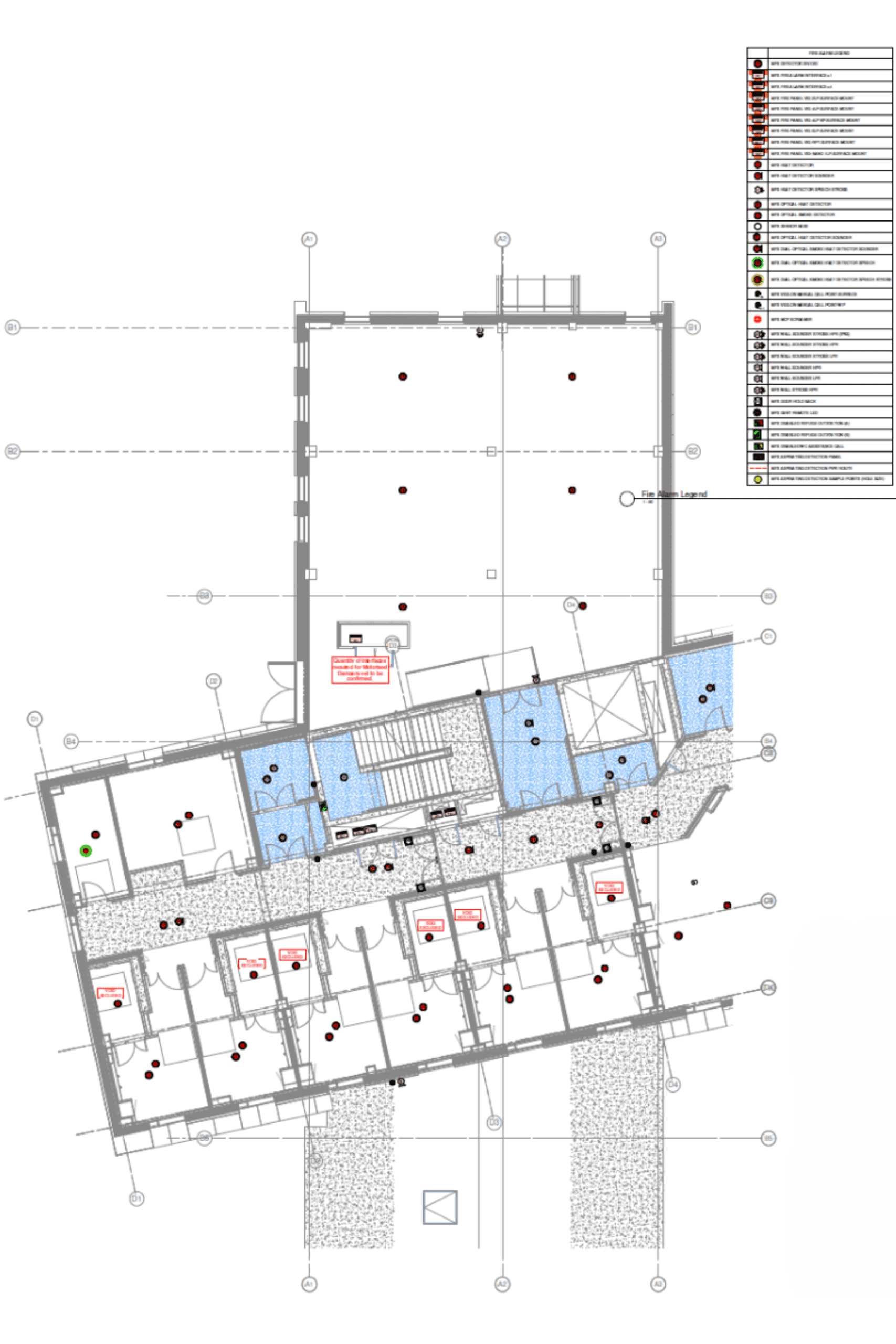
This is a proprietary file format developed by AutoCAD, the industry standard software package for CAD design. Over the years, the DWG file format has become the standard for CAD data interoperability and the files can be opened and created by many third-party software packages. It is complemented by DXF files, see more on those below.
MultiCAD uses AutoCAD for CAD drafting because it offers high accuracy and the files can be shared and used by clients and collaborators without any problems.
DXF (Drawing Exchange files)
Type of design: 2D & 3D
Software compatibility: High. Native to AutoCAD, but was created specifically for easy data exchange and can be used by almost all CAD and CAM packages.
Used for: Sharing geometric design data (2D and simple 3D) across different software types, often used in manufacturing workflows and CNC.
DXF is the other main file format used by AutoCAD. As with the DWG format it is proprietary to AutoCAD, developed to allow AutoCAD files to be easily used across different operating systems and is the most universal 2D CAD file format.
As AutoCAD has developed to support more complex object types, not all of them can be represented in .DXF files. As a result, it’s useful to know what the limitations are. Other software and file formats (for example Revit and its associated files) are better suited to storing complex 3D designs.
DWS and DWT (Drawing Standards and Drawing Template files)
Type of design: 2D & 3D
Software compatibility: Low. Native to AutoCAD, used to support AutoCAD software users.
Used for: Auxiliary file types provided by AutoCAD to streamline the design process.
Like a Microsoft Word template (DOTX), a Drawing Template (DWT) stores template information that when opened creates a new .dwg file with commonly used specifications already set. This speeds up the design process when working on similar projects. A Drawing Standards file (DWS) uses the CAD standards feature in AutoCAD to enforce specified graphical standards and is used to maintain pre-specified quality standards in the design work.
RVT (Revit project file)
Type of design: 3D, BIM
Software compatibility: Low. Native to Revit and interoperability is limited. Files will usually need to be converted to be used with other BIM software.
Used for: BIM for architecture, engineering and construction.
Revit is a powerful BIM package and its projects are saved as RVT files. These are specialised files that can handle the different dimensions of BIM data (from 3D to 10D BIM). They can generally only be opened and used with Revit. Conversely, Revit can import and use many different file types including standard CAD files (including DWG and DXF). This one-way interoperability makes sense, because CAD drawings will typically be imported as part of the process of creating a BIM.
RTE is the Revit template file, a related file type used to instantly create new Revit project files according to pre-specified criteria.
RFA and RFT
Type of design: 3D, BIM
Software compatibility: Low. Native to Revit and interoperability is limited.
Used for: Auxiliary file types that store information that streamlines design using Revit.
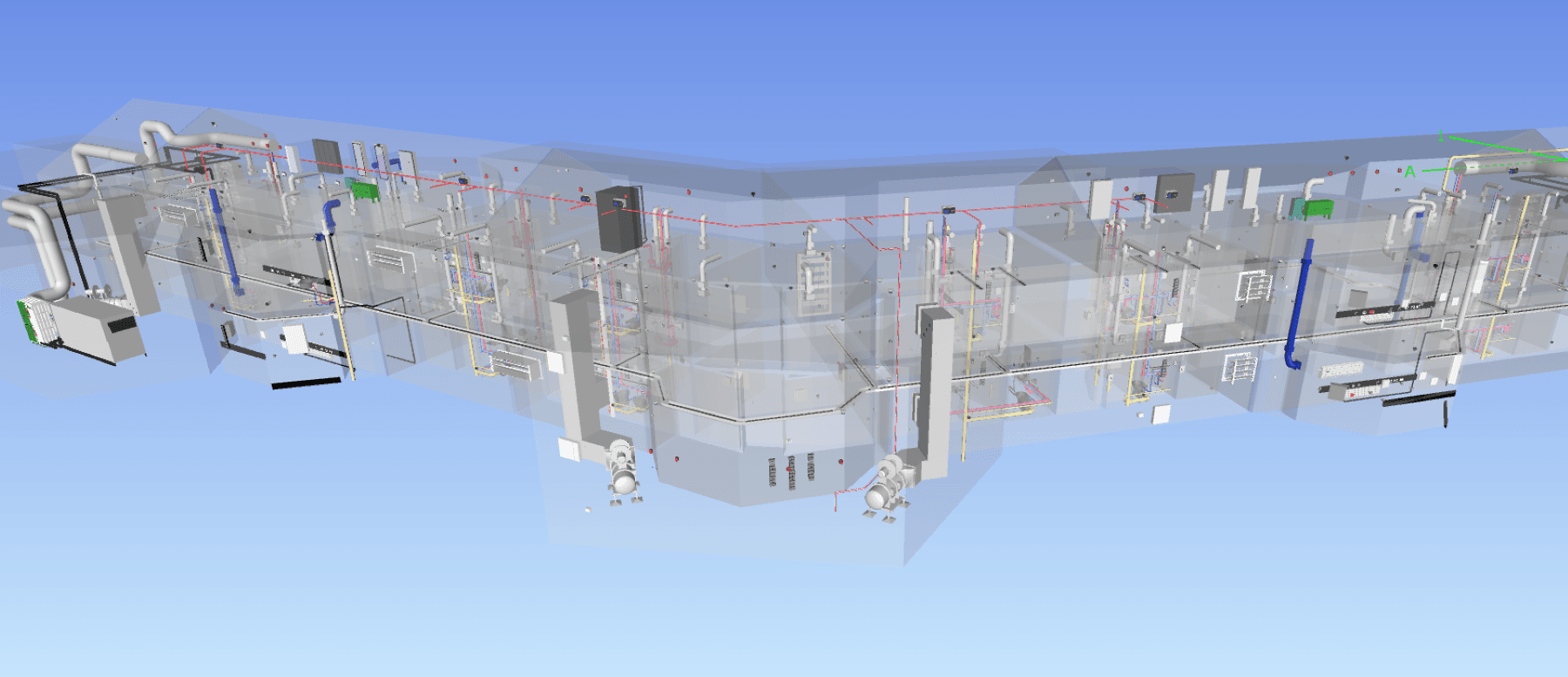
These two file types store Revit family data, RFA is a Revit Family file, RFT is a Revit family template file. They contain information about families or objects and are commonly used for elements that are purchased and installed on site, for example windows, doors, furniture, boilers, water heaters. They allow parameters and constraints to be pre-set for each object, so they can be quickly added to a new design and reduce the potential for errors. As suggested by the name, the template file is where a new family is created from scratch so it can be used in many different projects. Family files are used to exchange families between different projects.
NWD (Navisworks document)
Type of design: 3D, BIM.
Software compatibility: Medium. Native to Navisworks, it creates an un-editable ‘snapshot’ of project data that’s widely accessible using a free viewer (called Navisworks Freedom).
Used for: Visualising a 3D design, model coordination, clash detection, sharing design outputs without sharing source files.
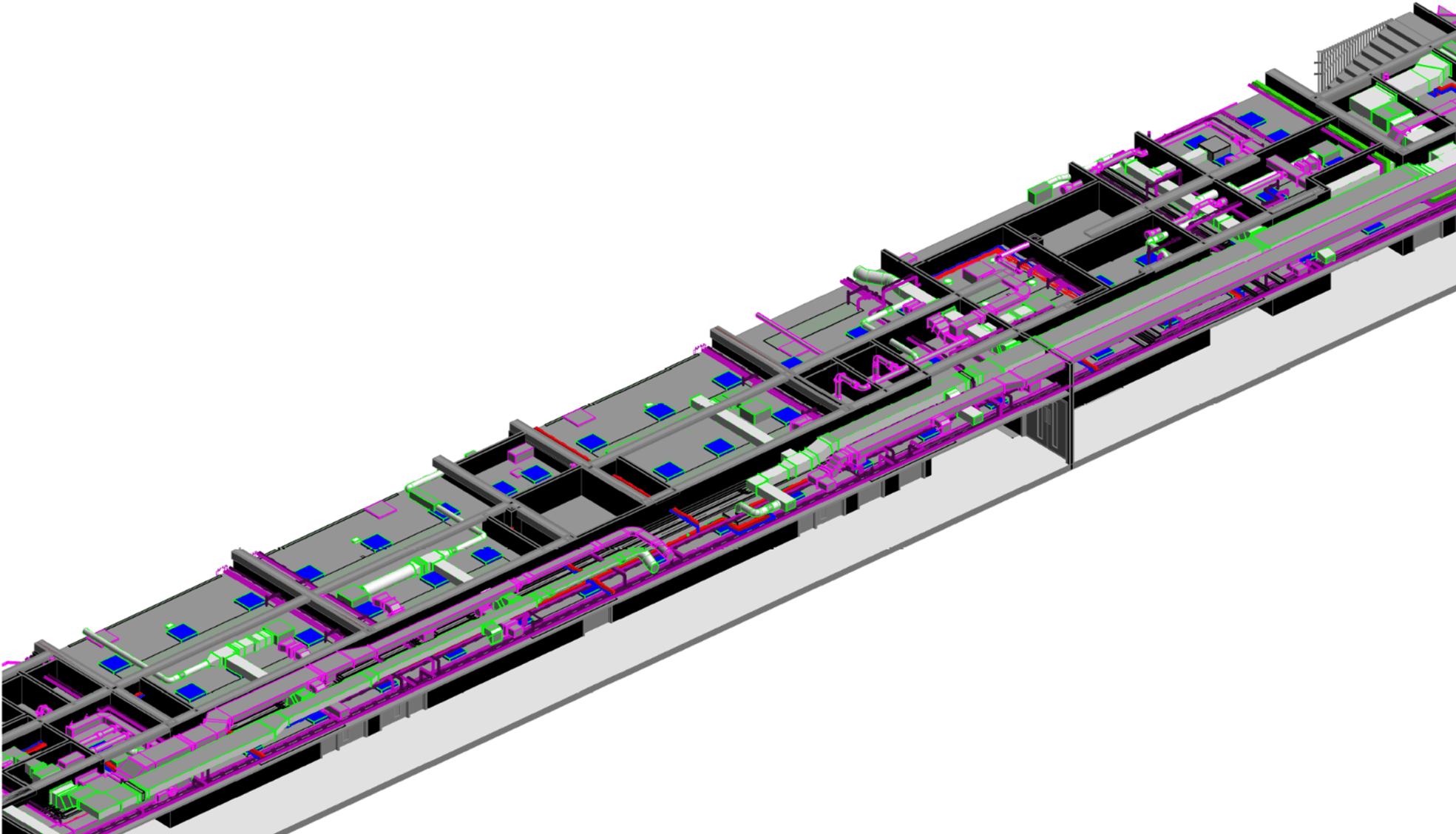
Navisworks is used for collaboration, it collates many different sources of design information including CAD drawings, 3D designs and BIM data. It is an environment for identifying potential problems and working through clash detection. Its main strength is sharing outputs with multiple stakeholders so those without specialised CAD/BIM software can easily collaborate. However, once the file is saved it provides a snapshot of the current design and cannot be re-edited or show any further changes made to the source files.
NWF (Navisworks File Set)
Type of design: 3D, BIM.
Software compatibility: Low. Native to Navisworks and can only be opened with a licensed (i.e. paid for) version of Navisworks.
Used for: Ongoing co-ordination work for mechanical, structural and architectural designs and creating NWD files that can be shared more widely.
These files store links to external CAD/BIM files (that is, DWG, DXF, RVT, ICF and more). NWF files don’t contain any geometrical data, they only store references to the relevant source files. This means that when source files are changed, these changes are reflected in the NWF file, making it ideal for coordinating models that are highly interdependent and frequently updated.
STEP or STP
Type of design: 3D.
Software compatibility: High. A non-proprietary file format designed to standardise the sharing of 3D CAD data.
Used for: Modelling of solids including 3D assemblies and mechanical design, particularly where geometric data needs to be transferred between CAD/CAM systems.
STEP or STP stands for Standard for the Exchange of Product Model Data and it has excellent interoperability. These files can be opened and used by almost all CAD software, including AutoCAD. The main drawback is that STEP files cannot include parametric data, constraints or sketches, making them less versatile than RVT files.
ICF (Information Classes File)
Type of design: 3D, BIM.
Software compatibility: High. It is a non-proprietary open BIM standard. It can be opened and exported by most CAD and BIM software, including AutoCAD and Navisworks.
Used for: model checking, clash detection and coordination between disciplines in openBIM workflow.
A neutral file format that, unlike STEP files, stores both geometric and non-geometric data and is therefore suitable for BIM. It has been designed specifically for cross-platform interoperability and because of this, it has been adopted internationally. In terms of limitations, it may not be as accurate as some proprietary files as geometric translation isn’t always perfect, and parametric data may be lost.
Download our guide
Guide to CAD file types from MultiCAD.
Seamless co-ordination for your CAD projects
Talk to us about your latest project: our team’s extensive software expertise will ensure you get the outputs you need to keep your project team working to schedule and to budget.